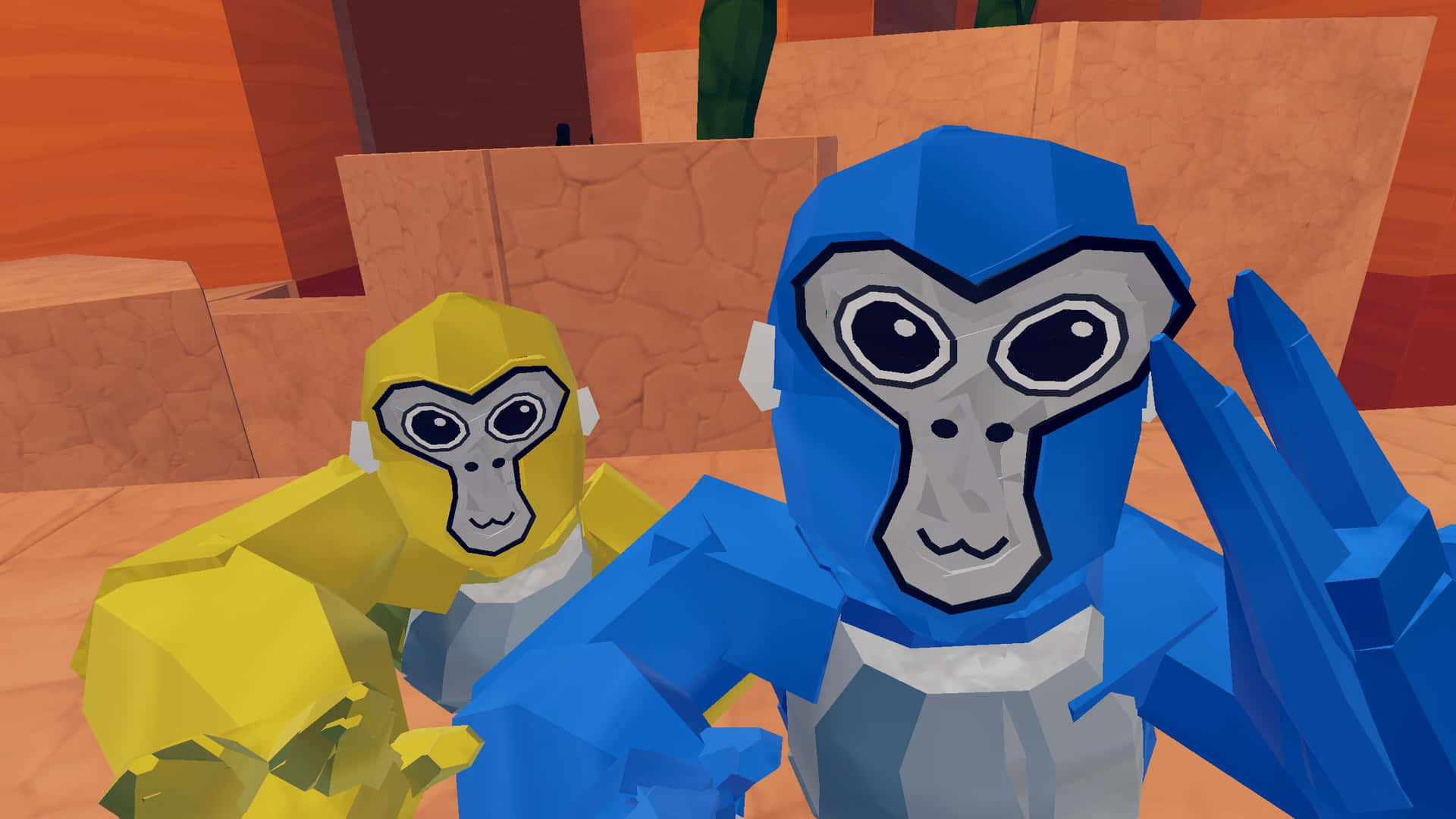
You've seen them. The monkeys sitting by the campfire in Forest, blasting "Party Rock Anthem" or that weirdly crisp vine thud sound effect every time they tag someone. It’s hilarious when done right and incredibly annoying when it’s just high-pitched screeching. If you're wondering how to get soundboard in gorilla tag, you aren't alone. It’s basically the gold standard for being the "funny guy" in the lobby, but if you do it wrong, you’re looking at a quick trip to the ban hammer or, at the very least, a room full of people muting you instantly.
Honestly, the process is kind of a headache if you aren't tech-savvy.
Most people think you just click a button in the Oculus menu. Nope. Because Gorilla Tag doesn't have native soundboard support, you have to trick your computer into thinking your soundboard software is actually your microphone. This means if you are playing on a standalone Meta Quest 2 or 3 without a PC, you’re mostly out of luck unless you want to hold your phone up to your headset’s physical mic, which sounds like absolute garbage. Don't do that. Please.
The PCVR Path: Voicemeeter and Soundpad
To actually get a soundboard in Gorilla Tag that sounds clear, you need a PC. You’ll be running the game through SteamVR or the Oculus PC app (Link/Air Link/Virtual Desktop).
The industry standard for this is a combination of Voicemeeter and Soundpad. Soundpad is available on Steam for a few bucks, and it is worth every penny because it handles the file management way better than the free alternatives.
First, you install Voicemeeter. This is a "virtual audio mixer." Think of it as a middleman. Your microphone goes into Voicemeeter, your soundboard goes into Voicemeeter, and then Voicemeeter spits out one single "output" that contains both. In your Windows Sound Settings, you set your "Recording Device" to Voicemeeter Output. Then, inside Gorilla Tag’s audio settings, make sure it’s picking up that same virtual line.
It’s finicky. Sometimes you’ll restart your PC and suddenly nobody can hear you. Usually, that’s because Windows decided to change your default communication device back to your headset mic. You have to be diligent. Check your levels. If your soundboard is too loud, it’ll clip and sound like static to everyone else in the stump.
Why Soundpad is the Goat
There are free options like Clownfish, but Soundpad lets you set hotkeys. This is crucial. When you’re mid-run, flailing your arms to escape a lava monkey, you can’t exactly reach over to your mouse and click a "bruh" sound effect. You need that mapped to a key you can hit blindly. Some players even use a dedicated Stream Deck or a cheap numpad taped to their desk to trigger sounds while their headset is on.
Can You Do It on Standalone Quest?
I get asked this constantly. "I don't have a PC, how to get soundboard in gorilla tag?"
The short answer is: you basically can't. Not internally. Meta’s OS is locked down. You can’t run a background app that injects audio into the microphone stream while a game is running. It's a hardware limitation.
Some people try to use a "male-to-male" 3.5mm audio cable plugged into the headset's jack, but the Quest's jack is for audio out (headphones), not audio in. There are some janky workarounds involving Bluetooth transmitters, but they almost always disable your actual voice chat. So you’d have a soundboard but you wouldn't be able to talk. That's a bad trade. If you’re serious about the soundboard life, you need a Link cable and a halfway decent gaming laptop.
The Unspoken Rules of Not Getting Banned
Lemming and the Another Axiom team are pretty clear about "toxicity." A soundboard isn't inherently against the rules, but harassment is.
If you walk into a lobby and start blasting loud, distorted music at 100% volume, you are going to get reported. Enough reports lead to an automatic ban. The trick to using a soundboard in Gorilla Tag is "comedic timing."
- Keep it quiet. Your sounds should be the same volume as your voice.
- Don't loop. Nobody wants to hear the same 2-second clip for ten minutes.
- Read the room. If it’s a competitive sweat lobby, they’ll hate you. If it’s a casual roleplay or hangout lobby, they’ll probably love it.
- Avoid copyrighted music. While the game doesn't have an automated DMCA bot yet, it's just good practice to avoid being a nuisance.
Voice Changers vs. Soundboards
Sometimes people confuse the two. A voice changer (like Voicemod) alters your actual pitch in real-time. A soundboard plays pre-recorded files. Voicemod actually has a built-in soundboard now, which is a great "all-in-one" solution if you want to sound like a robot and play the "Curb Your Enthusiasm" theme when you fall off the map.
Technical Troubleshooting
If you've set everything up and it’s still not working, 90% of the time the issue is the Sample Rate.
Windows loves to set microphones to 44,100Hz while some virtual cables default to 48,000Hz. If these don't match, your voice will sound like a chipmunk or a slow-motion demon. Go into your Sound Control Panel, right-click every device you're using (Mic, Virtual Cable, Output), go to Properties > Advanced, and make sure they are all set to the same thing. Usually 2-channel, 16-bit, 48000 Hz (DVD Quality) is the safest bet for VR.
Another thing? SteamVR settings. People forget that SteamVR has its own dedicated audio input selector. Even if your Windows is set correctly, SteamVR might be bypassng it and grabbing your Quest mic directly. Open the SteamVR dashboard on your desktop, go to Settings > Audio, and manually select Voicemeeter Output as your input device.
The Moral of the Story
Getting a soundboard to work in Gorilla Tag is a rite of passage for PCVR players. It takes patience, a bit of software routing, and a lot of testing in private lobbies before you go public. Don't be the guy who breaks everyone's ears. Be the guy who makes the lobby better.
To get started right now, download the trial version of Soundpad and see if you can get it to register in a simple Windows voice recorder app first. Once you see the green bars moving in Windows when you play a sound, you’re halfway home to becoming the Forest’s resident DJ. Just remember to keep your hand movements natural—nothing ruins the immersion of a soundboard-playing monkey like a frozen avatar.
Ensure your drivers are updated, specifically your GPU and Oculus drivers, as audio routing relies heavily on the stability of the Link connection. If your frame rate drops, your audio will usually stutter first, making your soundboard sound like a glitchy mess. Keep it clean, keep it funny, and stay out of the ban queue.